
Tracking down a specific TV news segment or current affairs interview after it airs can be surprisingly difficult in Korea. You might distinctly remember watching a live interview on television this morning, but when you search for the video replay in the evening, the clip seems to have vanished, shortened, or been replaced by an updated report on the exact same webpage.
This shifting context happens because newsrooms continuously re-edit short video clips as breaking stories develop throughout the day. When new official police statements or government updates arrive, older interview segments are often trimmed or replaced.
Searching by general topic keywords will usually pull up the latest update rather than the original broadcast. This guide shows you how to find unedited full-episode archives (풀영상), locate official broadcast channels, and use text transcripts when video replays are removed.
Why watching full broadcast episodes is safer than short clips
To find the exact segment you watched without post-airing edits, you must understand how broadcasters organize their digital video archives.
The short clip update cycle (클립 영상)
Major news networks publish short highlight clips (클립 영상) on YouTube, Naver TV, and portal news pages for quick viewing. However, these short clips are subjected to constant editorial updates. If an interviewee’s early statement is later clarified or legally disputed, editors frequently trim or unlist that specific short clip, replacing it with a revised version.
Full episode archive permanence (풀영상 다시보기)
Unlike short highlight clips, full-episode broadcast replays (풀영상 / 풀버전) preserve the entire evening news program intact. Broadcasters archive full 8 o’clock or 9 o’clock news broadcasts in their original, unedited sequence. If you want to verify an exact live interview or reporter segment, navigating to the full episode archive for that specific air date guarantees you see the broadcast exactly as it originally aired.
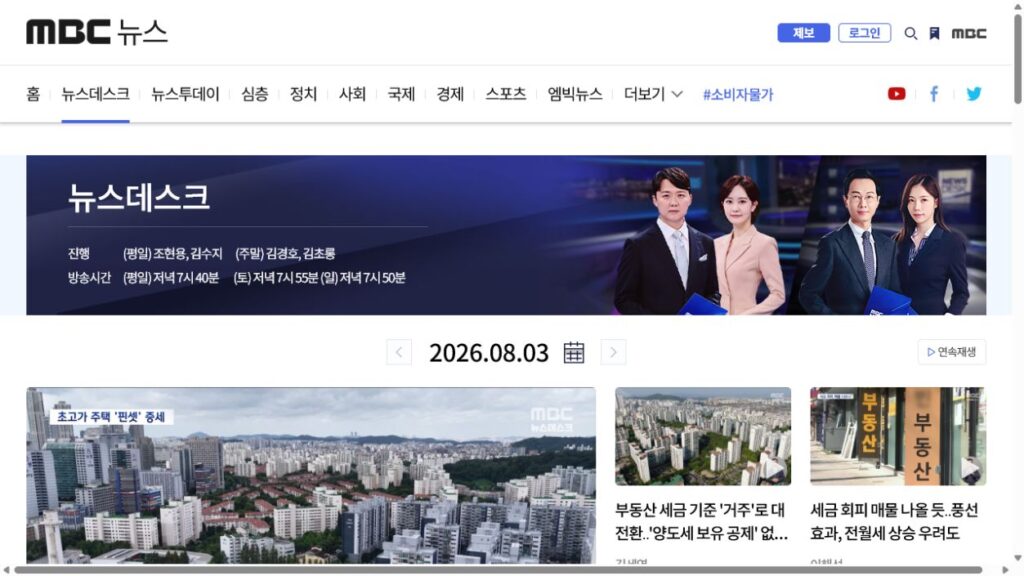
Where to find official news archives across Korean broadcast apps
Knowing which streaming platform hosts which network’s official news archive saves significant search time in Korea.
Terrestrial news replays on Wavve and cable news on TVING
In Korea’s streaming ecosystem, Wavve (웨이브) holds the official full-episode news archives for terrestrial networks (KBS, MBC, and SBS). TVING (티빙) hosts cable current affairs programs, including JTBC news shows.
To locate an unedited episode, open the respective app, navigate to the “News/Current Affairs” (시사/보도) category, select the specific program title (such as KBS News 9 or JTBC Newsroom), and filter by the exact original broadcast date (방송일자).
Checking broadcast dates on official YouTube news channels
Official YouTube news channels (such as MBC 뉴스 or SBS 뉴스) publish individual news reports continuously. However, the date displayed on YouTube is the “Upload Date,” which can differ from when the segment actually aired on television. Always check the first two lines of the video description box, where official channels explicitly print the “Original Broadcast Date” (방송일자).
3. News clip verification checklist: Matching labels, dates, and summaries
Before assuming a news clip is the original segment you are looking for, use this checklist to verify its labels and metadata:
| Label element | Official unedited replay | Modified or shortened clip | Action required |
| Program title | Specific name (e.g., JTBC Newsroom) | Generic tag (e.g., Breaking Update) | Ensure the exact program name is listed |
| Broadcast date (방송일자) | Matches original air date | Matches today’s date (re-upload) | Cross-reference with the original air calendar |
| Segment duration | Full length (e.g., 8–10 mins) | Shortened (e.g., 1–2 mins) | Look for the full episode (풀영상) if shortened |
| Summary text | Lists original guest name | Lists updated incident cause | Verify guest/reporter names match your memory |
Matching the original broadcast date (방송일자) and verifying that the summary text lists the original interview guest is the most reliable way to confirm you have found the unedited clip.
What to do when news video replays are taken down
When a news segment involves pending legal disputes or copyright clearance issues, broadcasters may temporarily or permanently pull the video replay from streaming platforms.
Searching for full text transcripts (기사 본문 / 텍스트 뉴스)
Even if a TV news video is taken down, the official written text version almost always remains accessible. Major Korean news portals like Naver News publish word-for-word text transcripts (속기록) alongside written news articles for broadcast interviews.
Searching Naver News using the reporter’s name, guest name, or a direct quote in quotation marks will lead you to the official text article (기사 본문), providing an unedited record of what was said during the broadcast.
Avoiding unofficial YouTube re-uploads
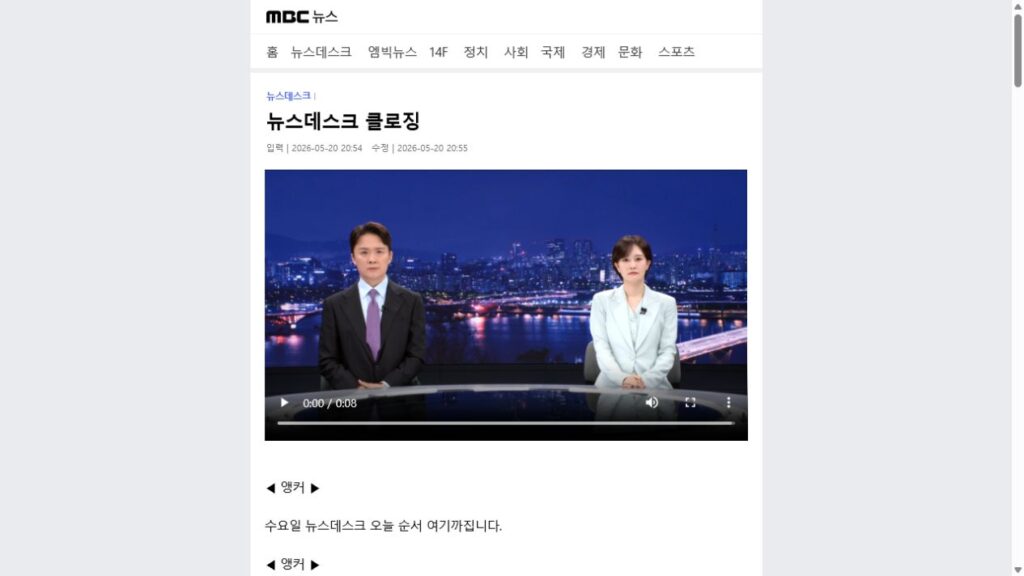
If an official video is missing, avoid watching unauthorized re-uploads on personal YouTube channels. Unofficial channels frequently edit broadcast clips out of context, crop screen details, or add sensationalized commentary. Stick to official portal text archives (기사 본문) rather than trusting unverified video re-uploads.